One photo. Every swipe.
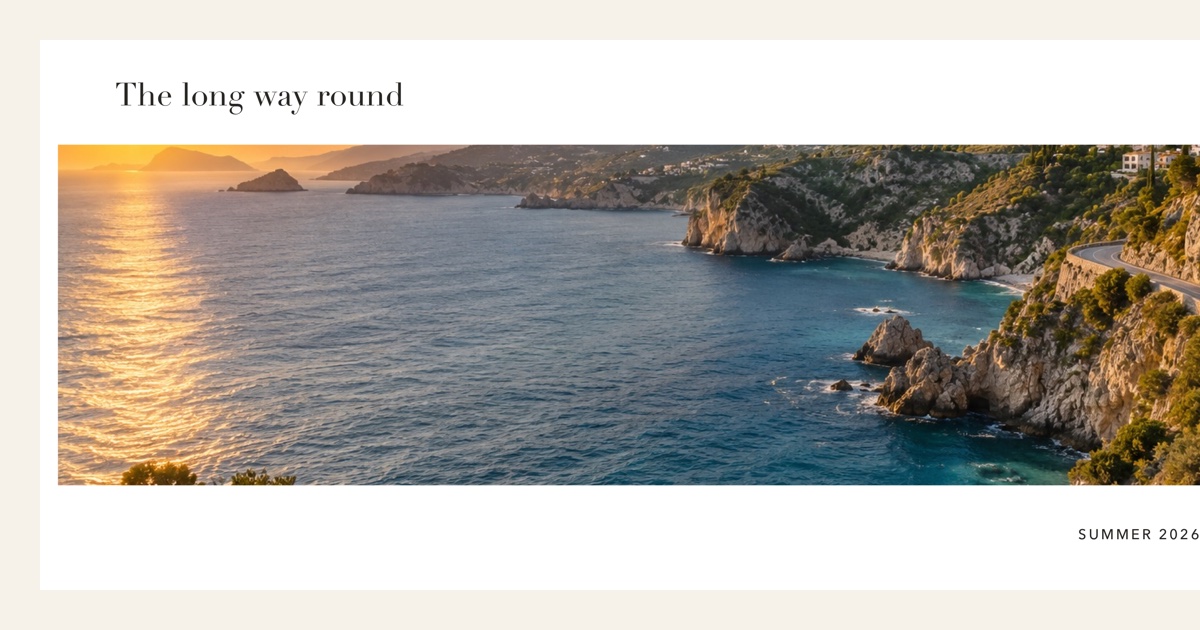
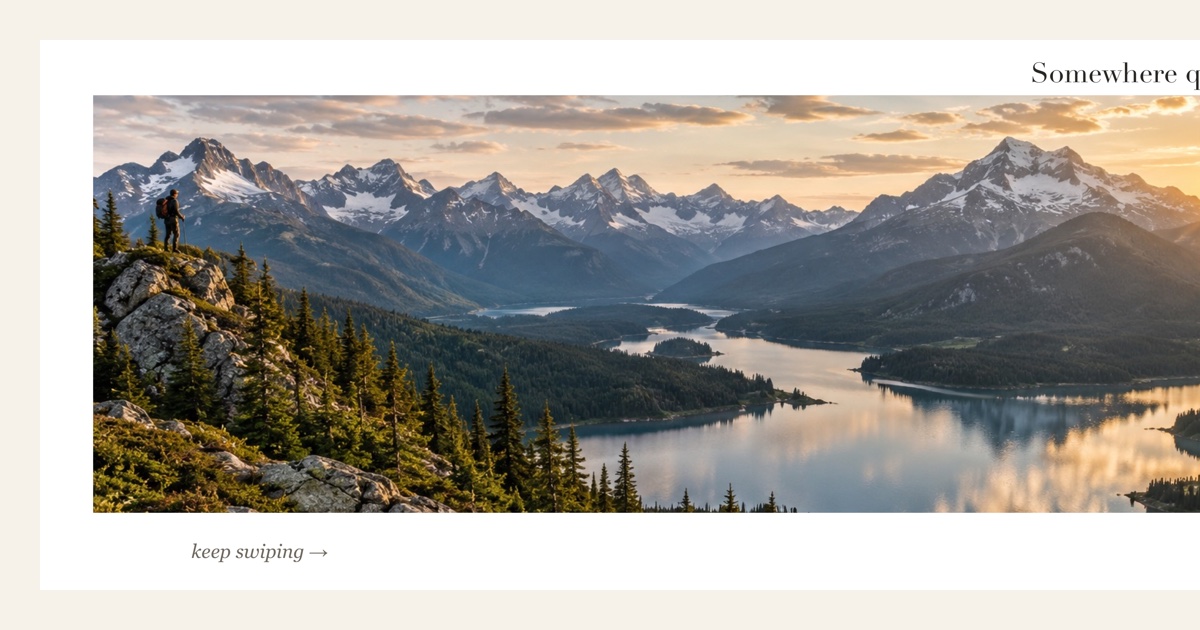
Photos and text flow across slide seams, so each swipe shows the next part of one picture. What you preview is what you post.
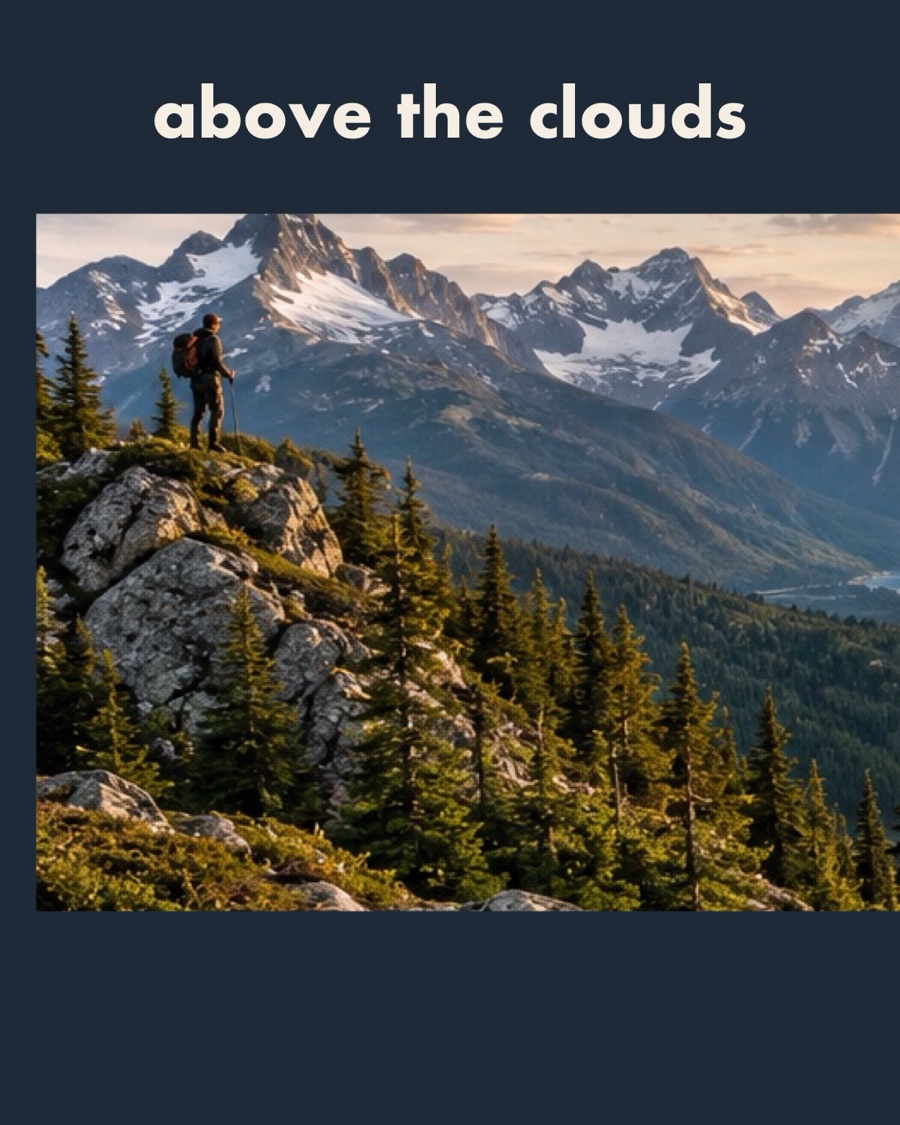


Three slides, one picture. Scroll and the seams close.
How it works
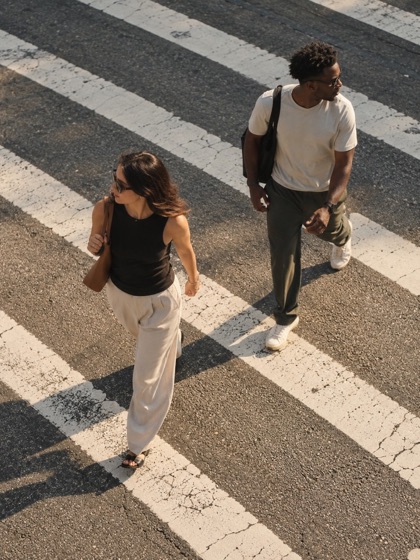
Choose your photos
Pick a few shots from your library. Nothing is uploaded.




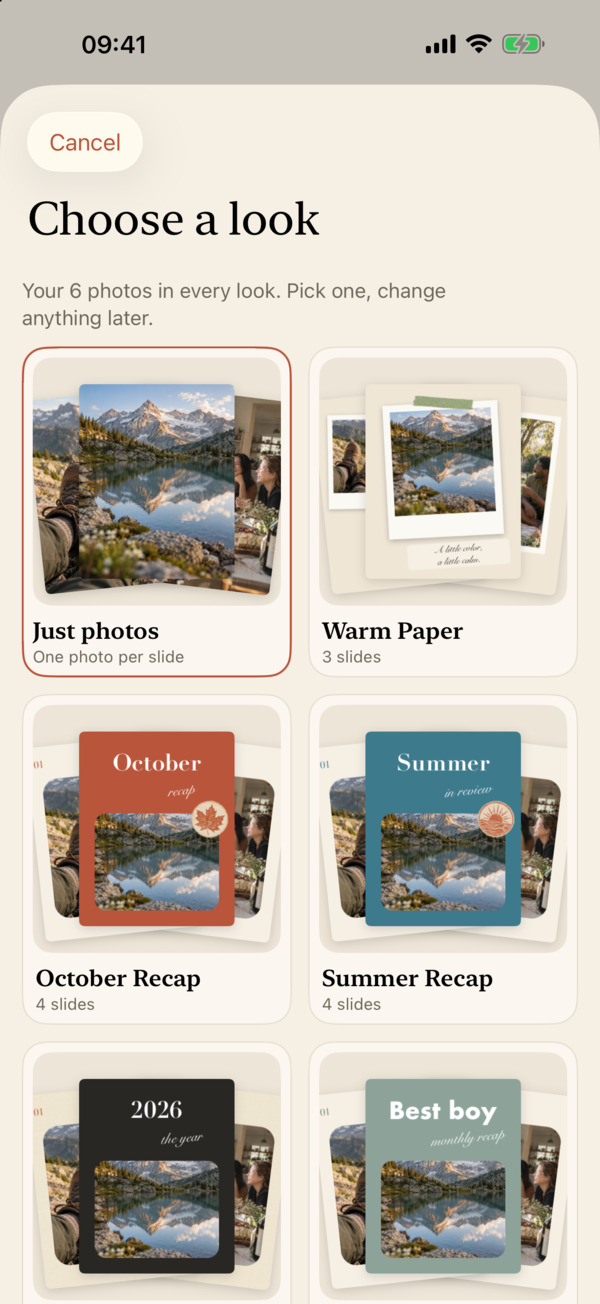
Pick a look
Your photos drop into every look at once, so you compare real results.
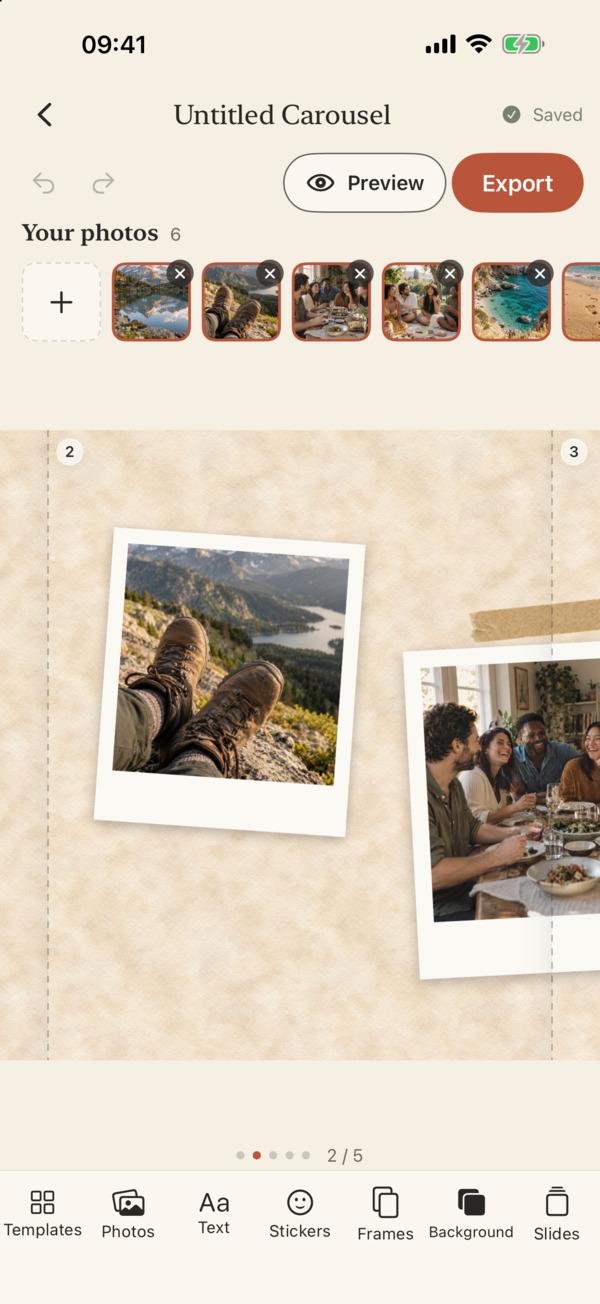
Preview, then export
Drag photos across seams, add text, then save every slide to Photos.
Looks for every kind of story
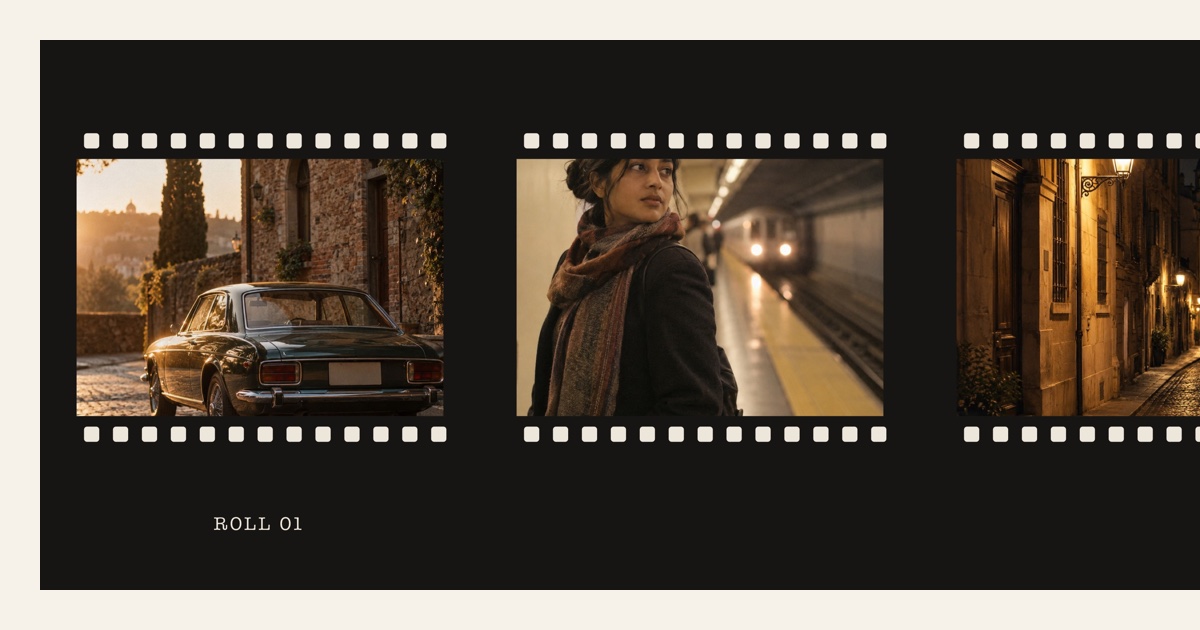
More than 40 looks: recaps, photo dumps, travel, scrapbook, film and clean grids. All of them work offline.





Everything you need, right in the app
Free to start.
Pro includes a 7-day free trial on the yearly plan.
Questions
Does it work offline?
Yes. All looks, fonts and stickers are inside the app, and your projects save on your iPhone as you work. You don't need an account.
Will the export match the preview?
Yes. Preview and export are drawn by the same renderer, so the slides you save are the slides you saw.
Do my photos leave my phone?
No. Your photos and projects stay on your device. We never upload them.