How to make a seamless carousel
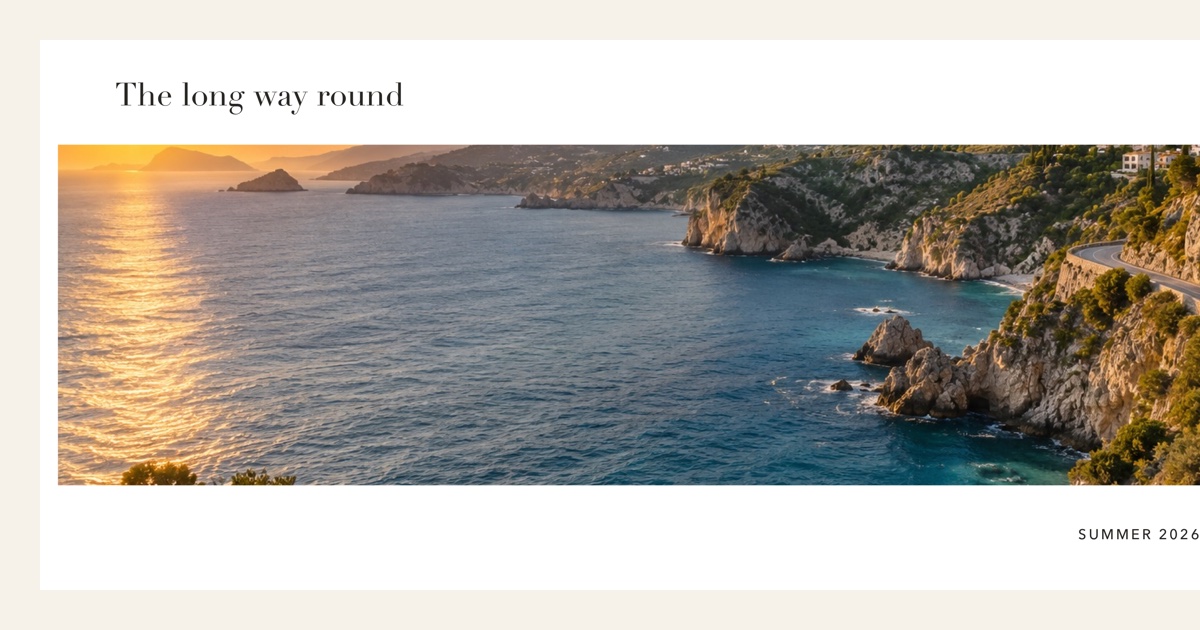
A seamless carousel is one long picture cut into slides. Each swipe shows the next part, so people keep swiping. Here is how to make one in SlideNest.
Choose your photos
Tap Create and pick photos from your library. A wide shot, like a landscape or a group photo, works best for the first slides.
Pick a look
Your photos appear in every look at once. Choose the one you like; you can change it later without losing your photos.
Move photos across the seams
Select a photo and drag it across a numbered slide boundary. The part on each side becomes part of the next slide. Keep faces and text away from the seams so nothing gets cut in the middle.
Add text, stickers and frames
Use the toolbar under the canvas: Text, Stickers, Frames and Background. You can also remove a photo's background to place a person over the seam.
Preview
Tap Preview and swipe through the slides the way your followers will. Preview and export use the same renderer, so what you see is what you get.
Export and post
Tap Export, then Save to Photos. In Instagram, start a new post, choose multiple photos and select the slides in order, from 1 to the last one.
Tips
- Use 4:5 for the Instagram feed: it takes the most screen space. 9:16 is for stories and TikTok.
- A carousel can have up to 20 slides. Three to six is usually enough for one picture.
- Your project saves automatically. Come back to it from the home screen any time.
Still stuck? Write to us.